
FreeCell
Classic FreeCell Solitaire for Android
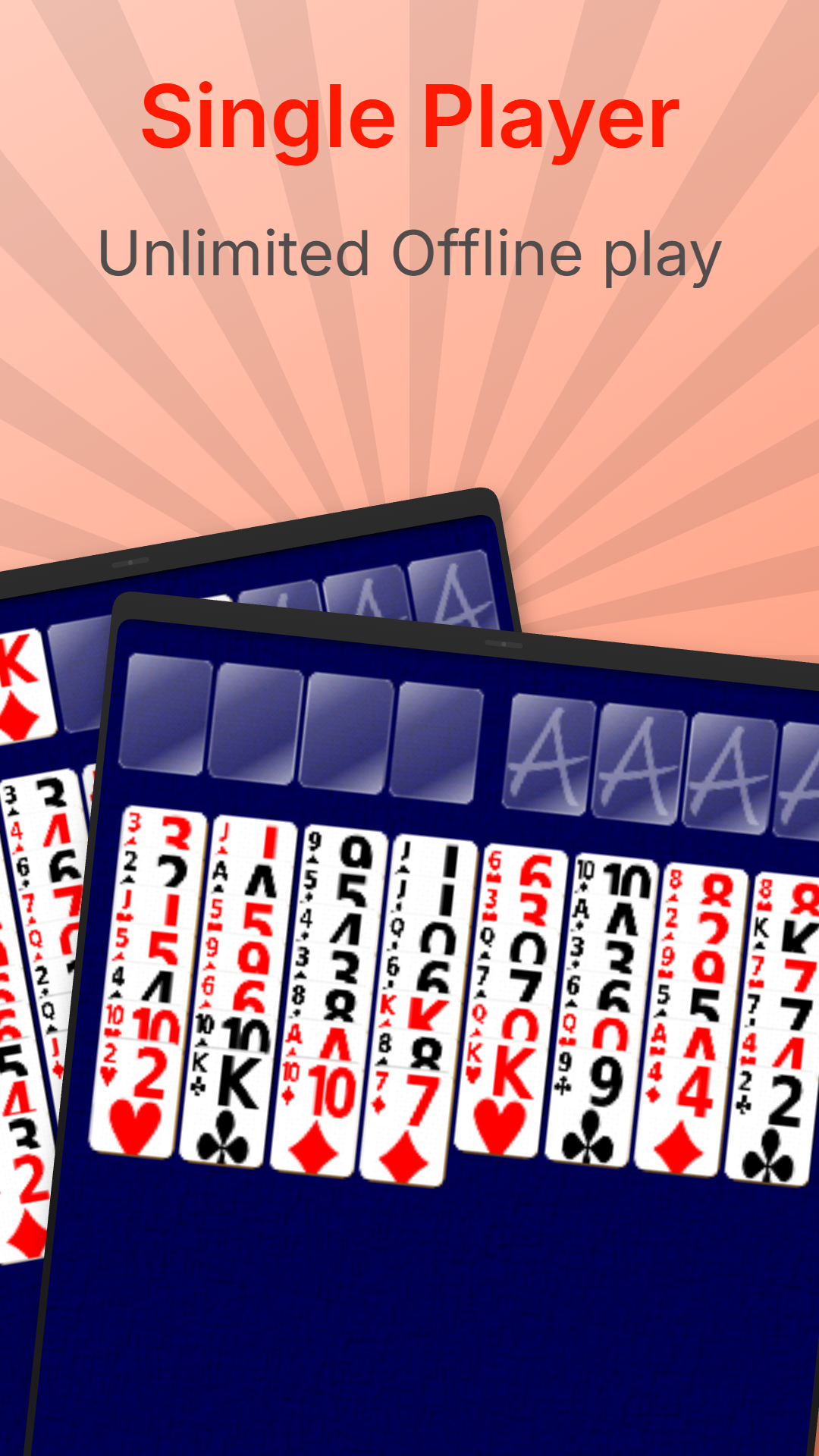
Enjoy classic FreeCell Solitaire on your Android phone or tablet! Play unlimited games completely offline, with no internet connection required. Whether you're relaxing at home or passing the time on the go, your next card game is always ready.
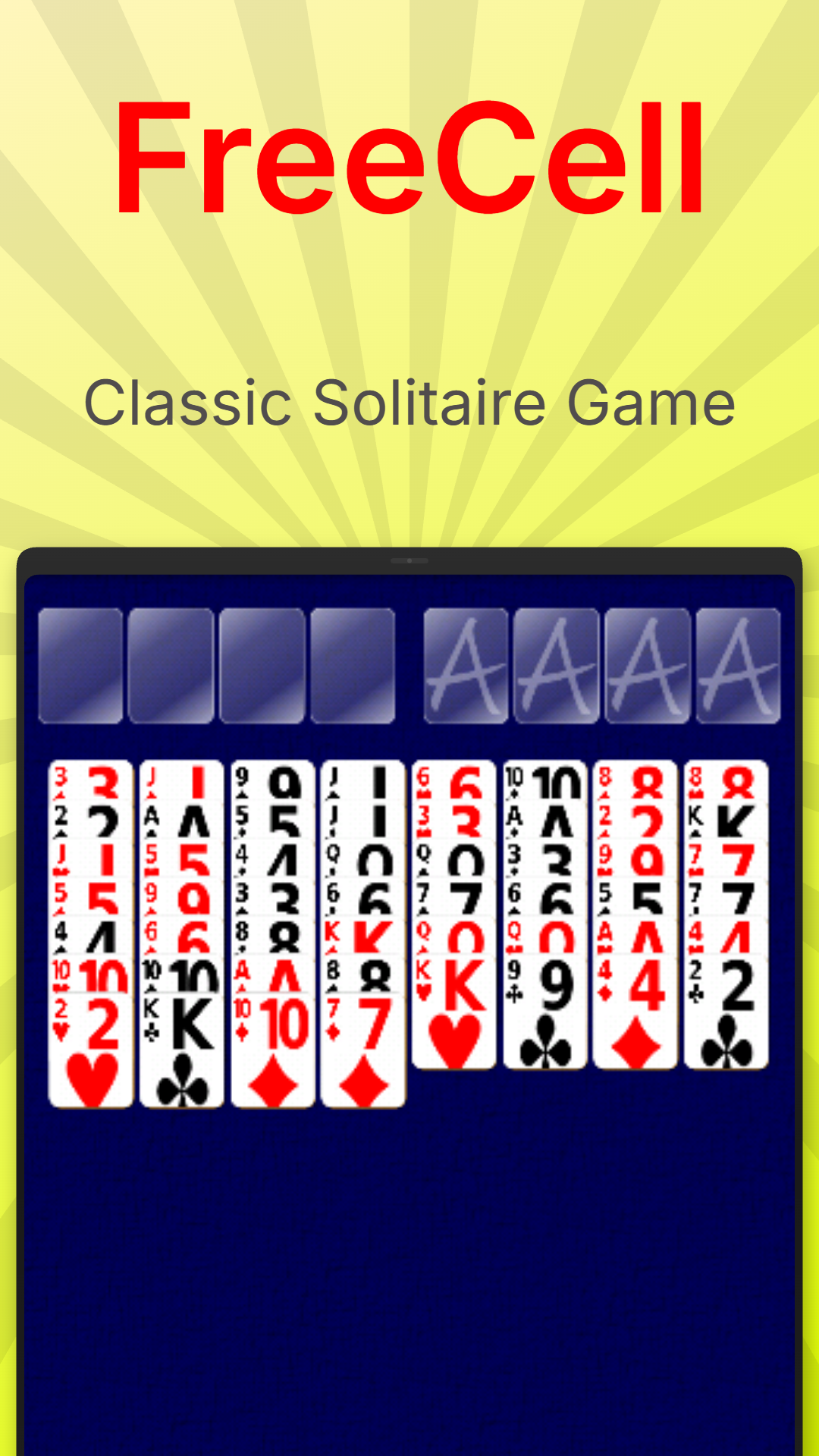
Unlike traditional Solitaire, every card in FreeCell starts face up. Success comes down to careful planning, logical thinking and making clever use of the four free cells. Every move counts as you work towards solving the deal!

Plan Your Strategy
FreeCell is all about thinking ahead. Use the four free cells to temporarily store cards, uncover new opportunities and rearrange the tableau to unlock the moves you need.
With all 52 cards visible from the start, there's no luck of the draw. Study the layout, plan your moves and see if you can find the solution to every deal.
How to Play
The objective is to move all 52 cards to the four foundation piles, building each suit in ascending order from Ace to King.
Build sequences in the tableau by placing cards in descending order, alternating between red and black suits.
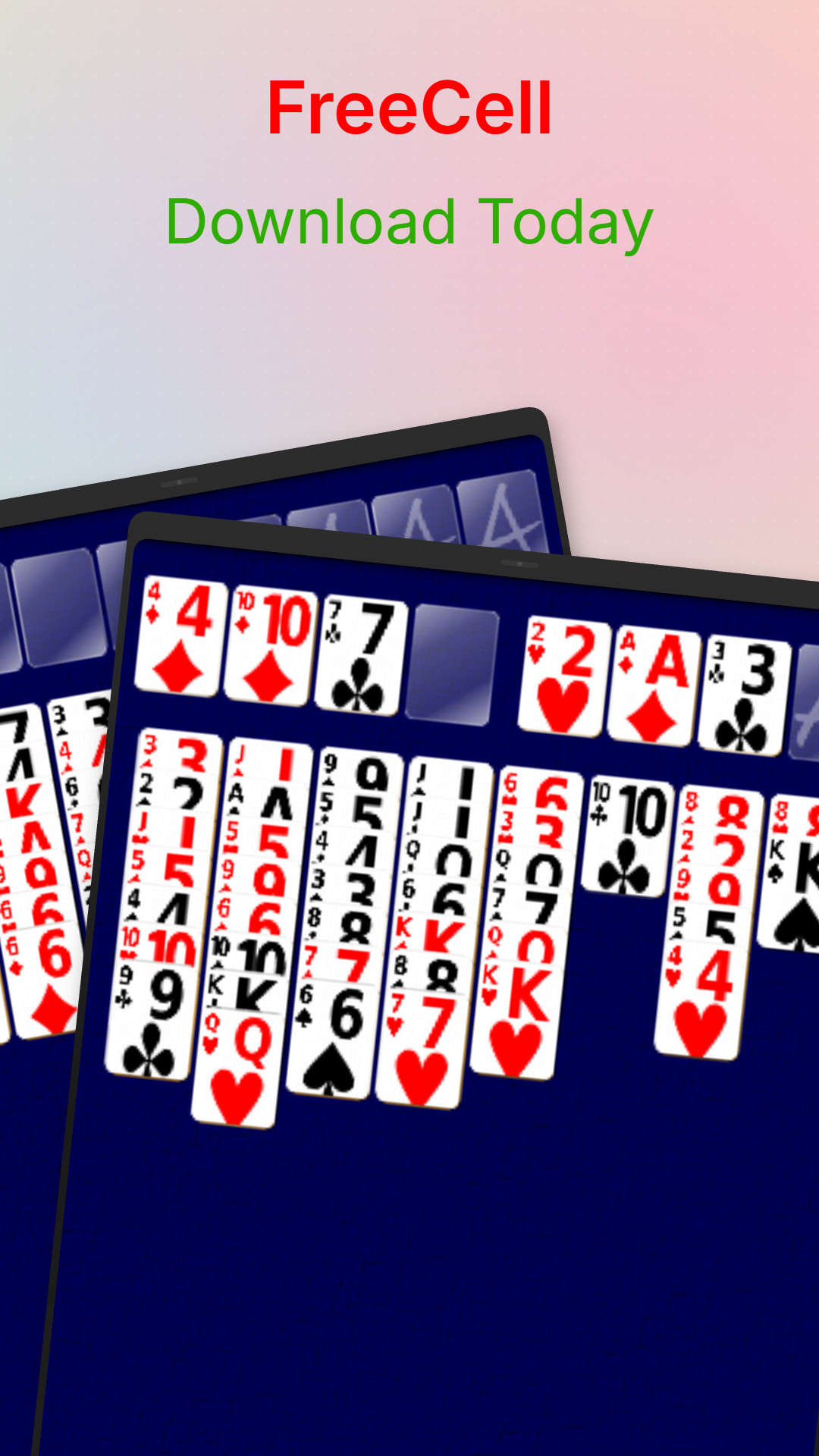
Use the four free cells to temporarily hold individual cards and help rearrange the columns. Empty free cells and tableau columns give you more flexibility to move cards around.
Move every card to its foundation to win. The challenge is finding the right sequence of moves without running out of space!
Game Screenshots
Download FreeCell for Android
Take FreeCell wherever you go. Enjoy unlimited offline games on your Android phone or tablet, with no internet connection required. No full-screen interstitial or rewarded video ads, either. Just classic FreeCell whenever you fancy a game!